Your Board, in your editor.
Your agent, on the same specs.
Coming to the VS Code MarketplaceVS Code, Cursor, Windsurf, VSCodiumEdits tickets
Chapters
The tour is silent, with captions in English. Pick a chapter to jump to it.
The spec is in one tab. The code is in another.
A ticket is decided on the Board, then built in the editor. In between, people copy links, paste specs into chat and lose track of which version was agreed.
Agents have it worse. They work from whatever was pasted into them, which is rarely the spec your team validated.
The spec you validated is the one you read in the editor, and the one your agent reads.
The Board you know, as an editor tab
The same lanes, cards and filters as on the web, on both of its axes.
- Review: Untriaged, Draft, In review, Validated, Rejected.
- Implementation: To do, In progress, Implemented, Testing, Done, Cancelled.
- Implemented says when an agent's work is waiting for a person to confirm it.
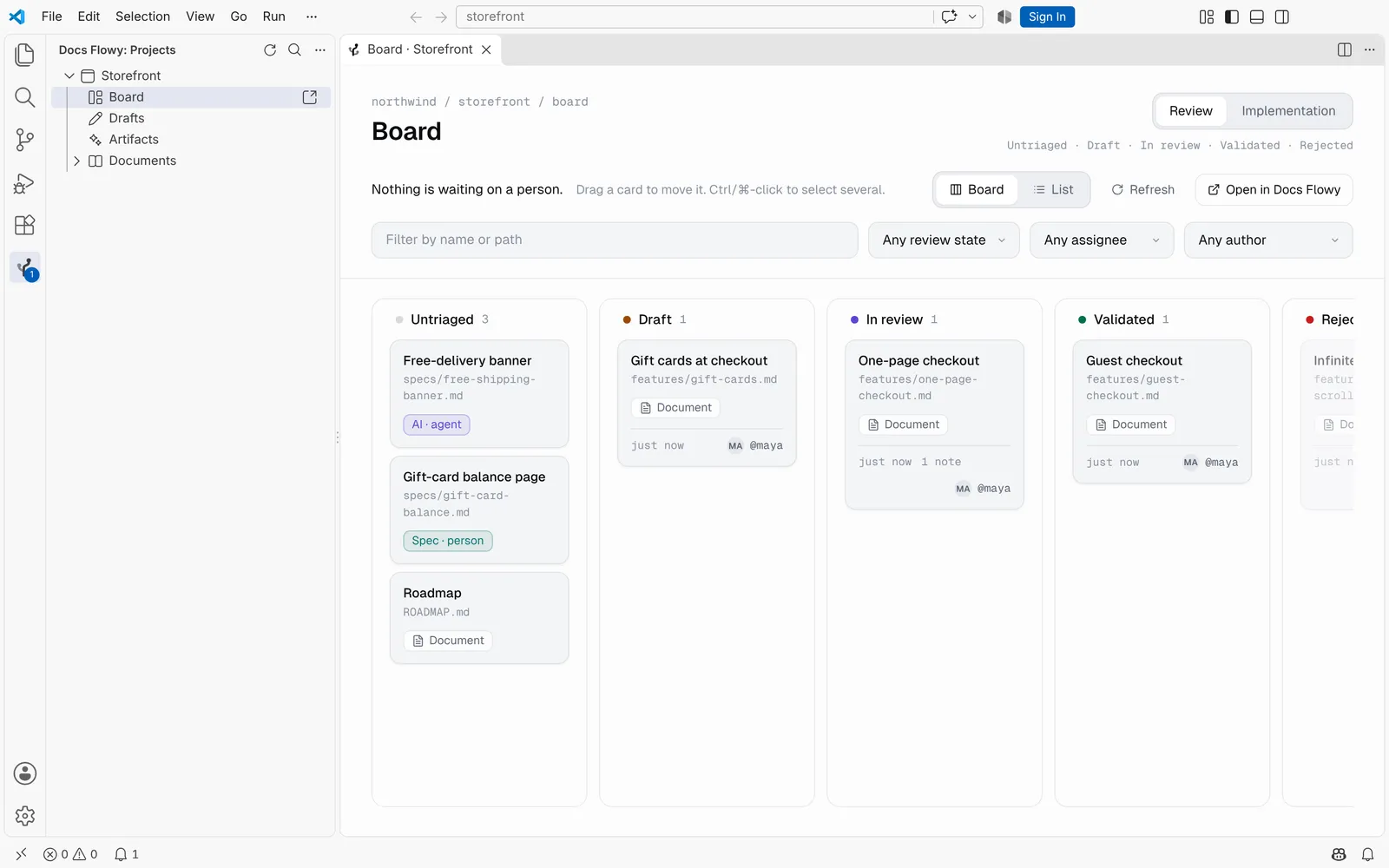
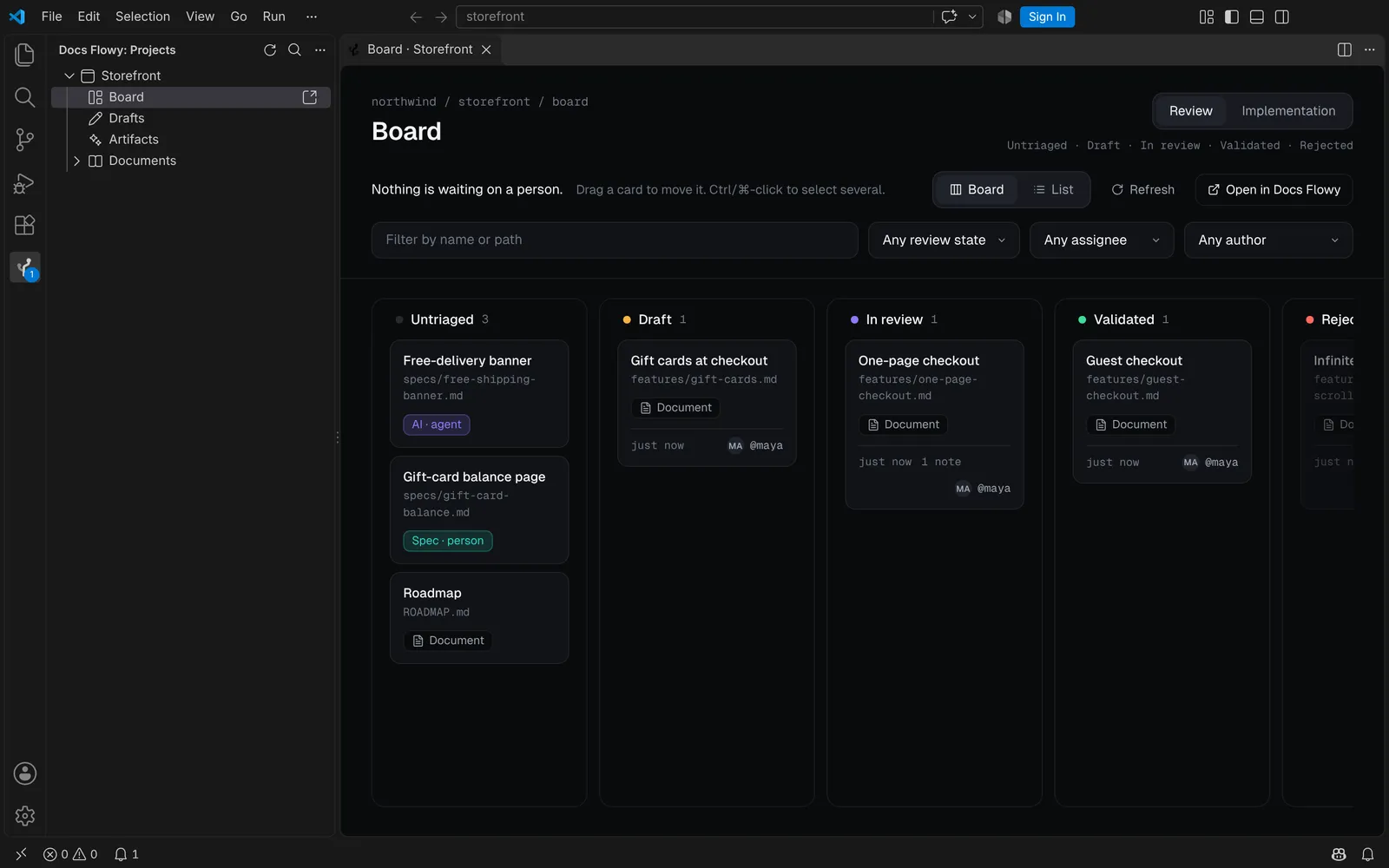
Review is where a spec is decided.
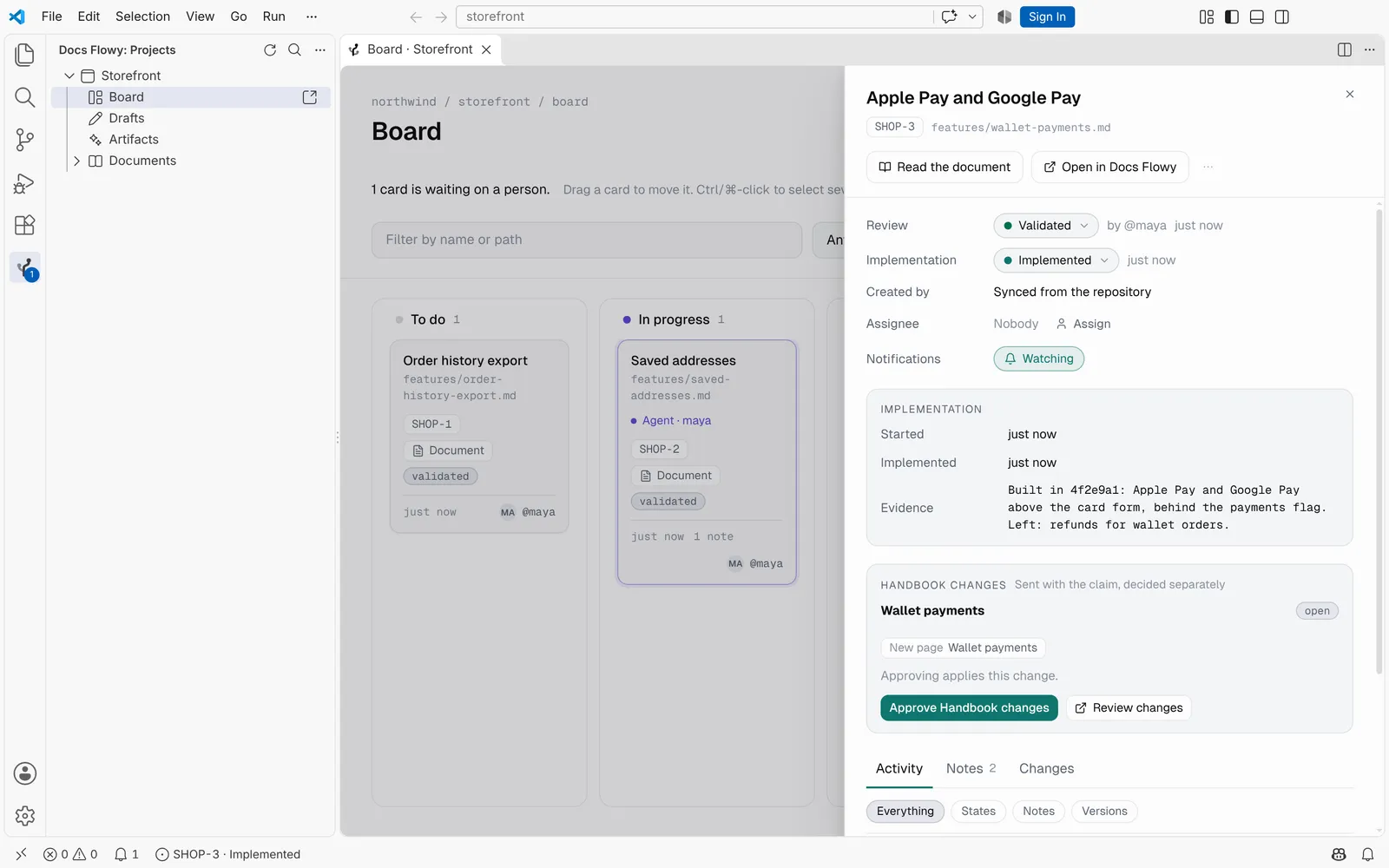
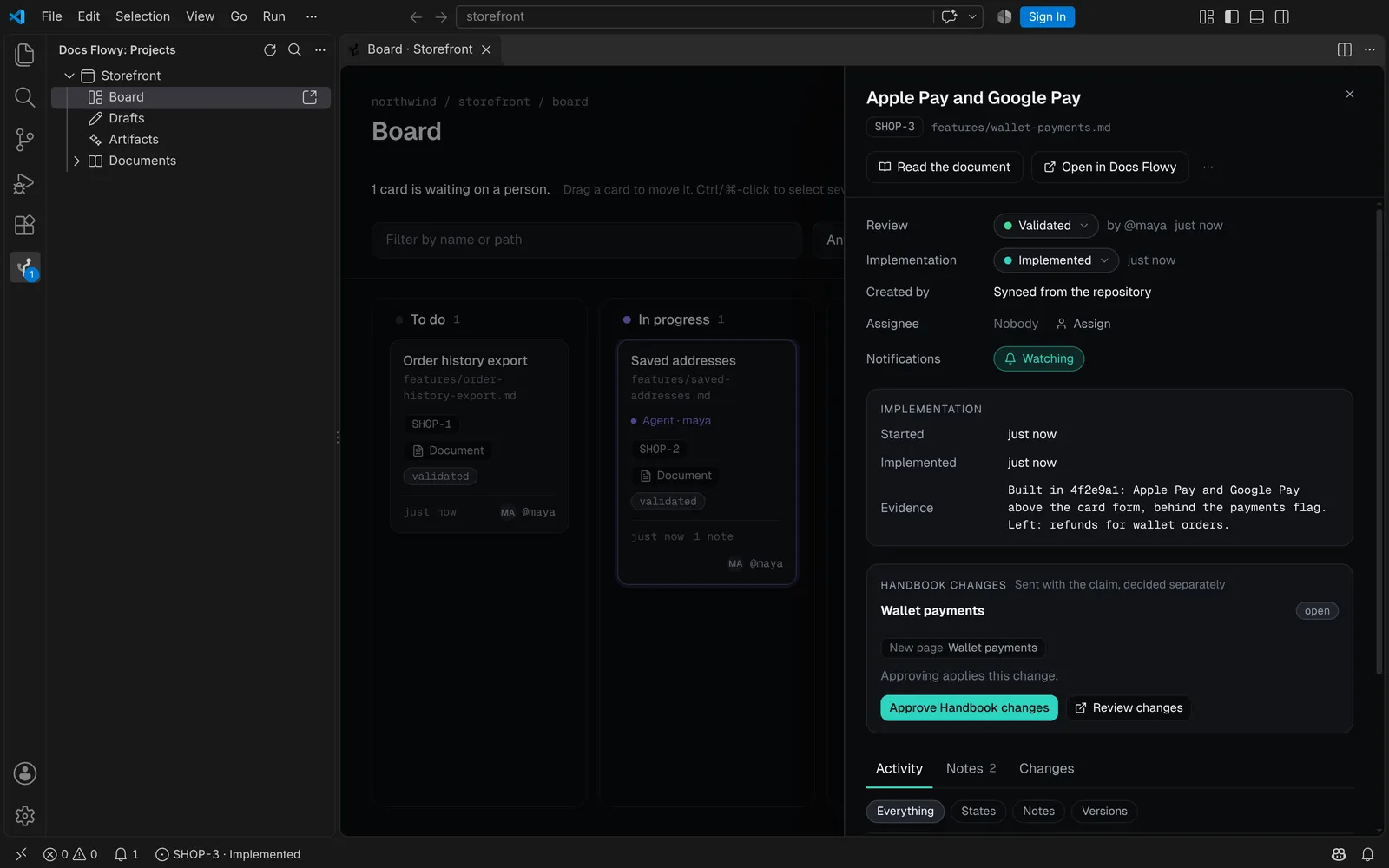
Every ticket, one click away
Click a card for its panel, without leaving the editor.
- Both states, and who set them.
- What the agent built, the activity and the notes.
- Drag the panel's edge to make it wider. It remembers.
Move it, assign it, as you
Drag a card to another column, or change either state from its panel. Every change goes to Docs Flowy under your name.
- A column a card can't go to says why, and the card goes back.
- Assign someone or yourself, watch a ticket, release one an agent stopped on.
- Ctrl/⌘-click to select several cards and move them together.
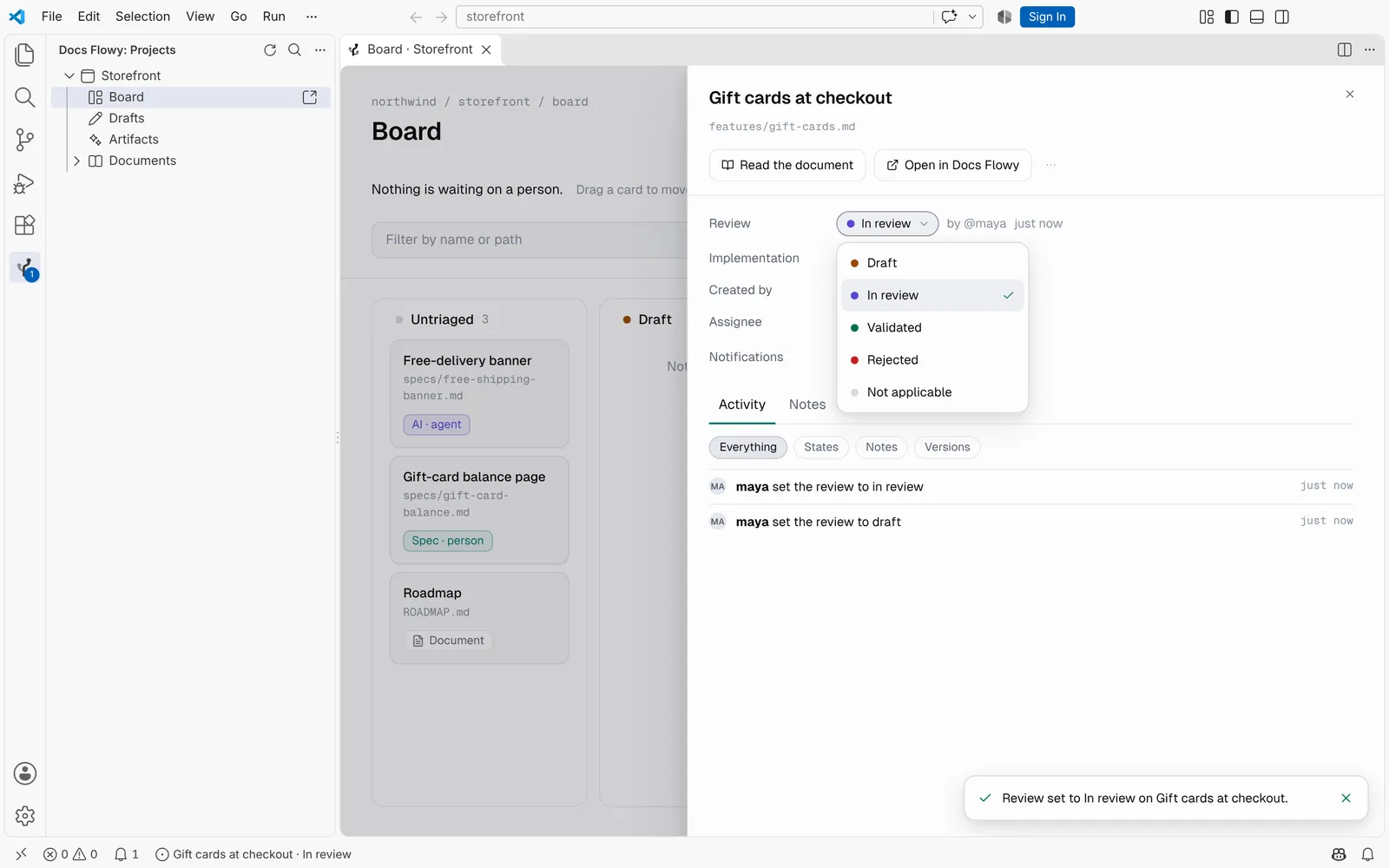
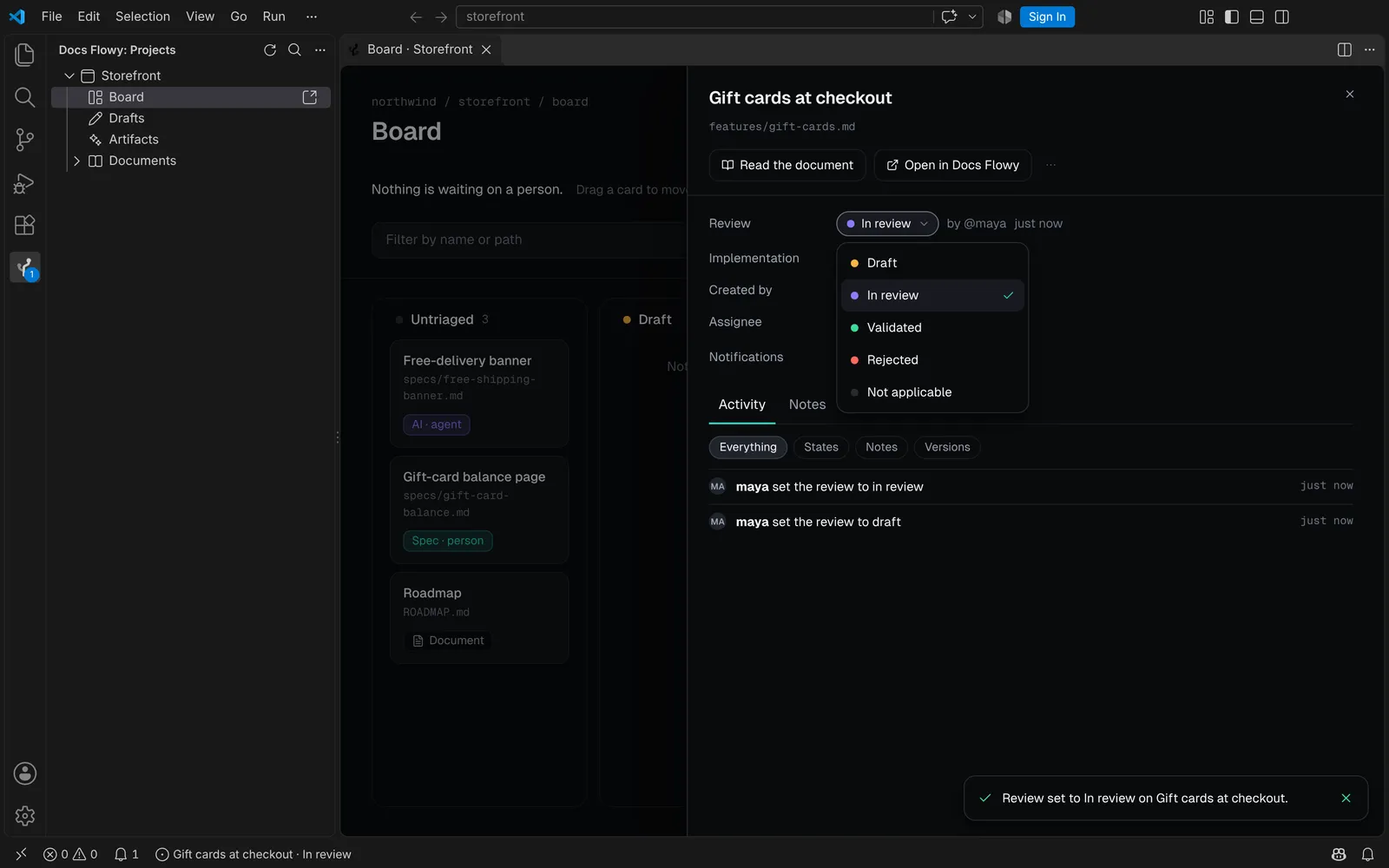
Answer the note where you read the code
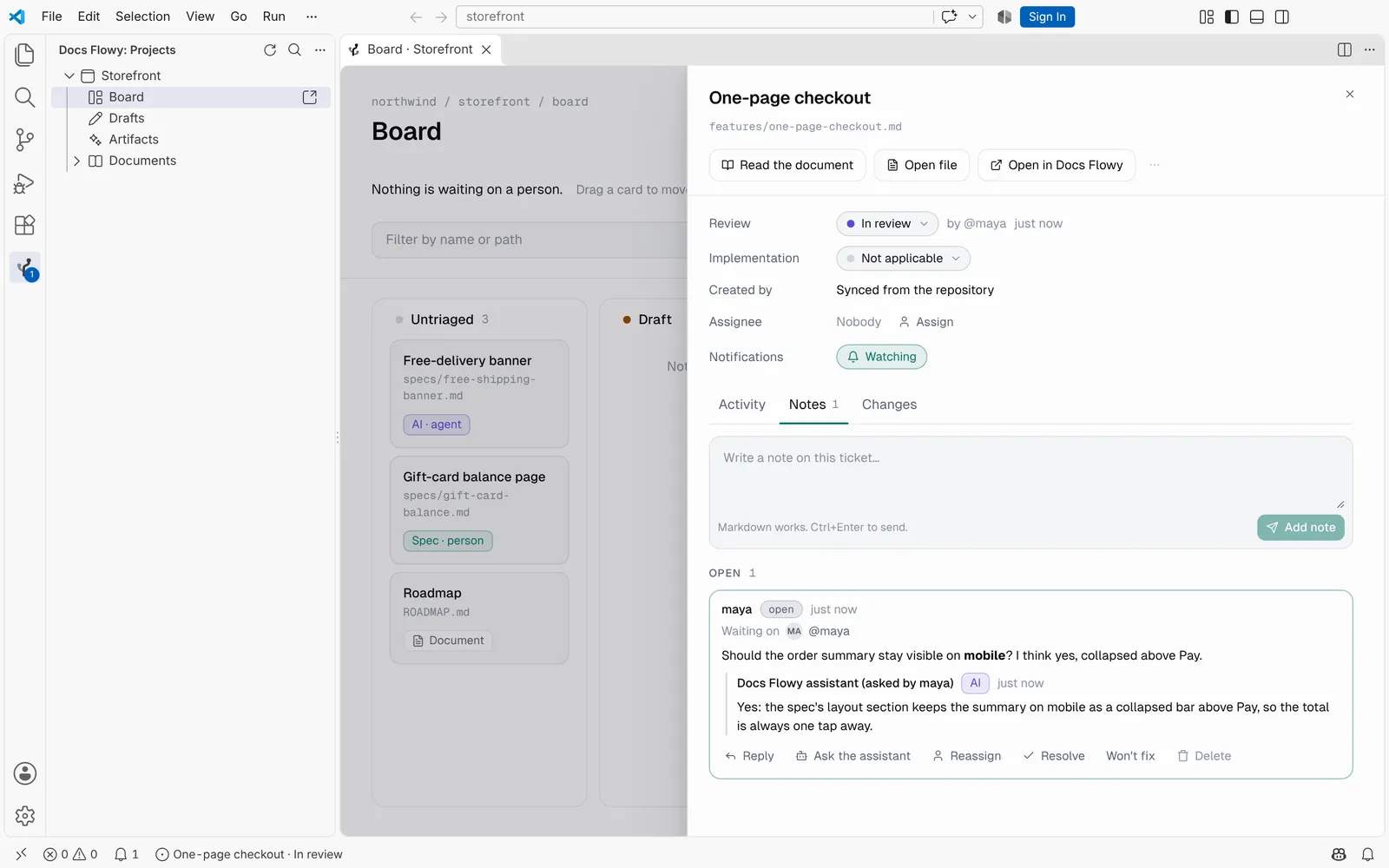
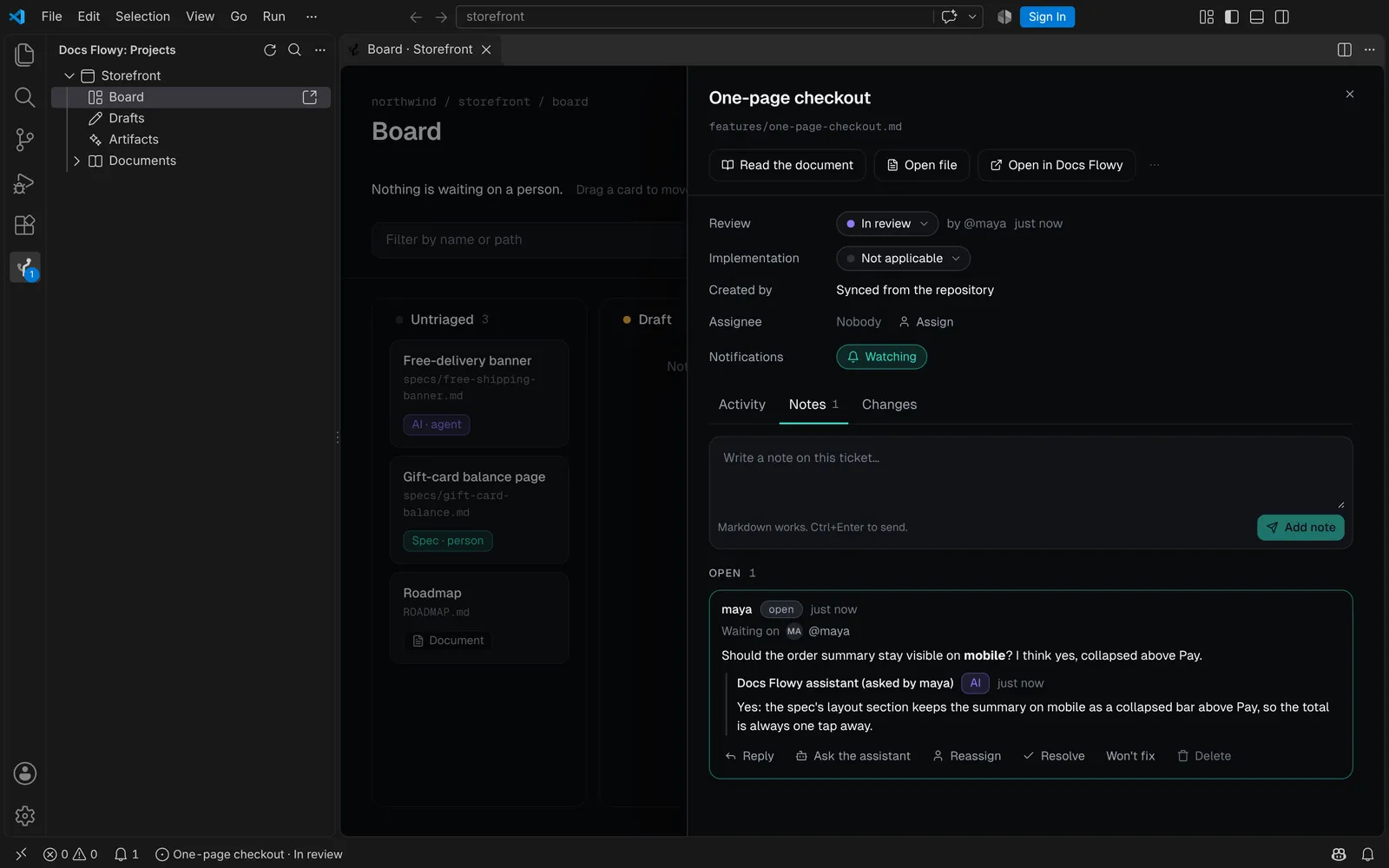
Write notes and replies, hand one to someone, resolve or reopen it, from the ticket's panel.
- Grouped as on the web: awaiting you, open and closed.
- Ask the assistant answers in the thread, marked AI.
- It uses one of your organization's credits, said before you click, and never runs on its own.
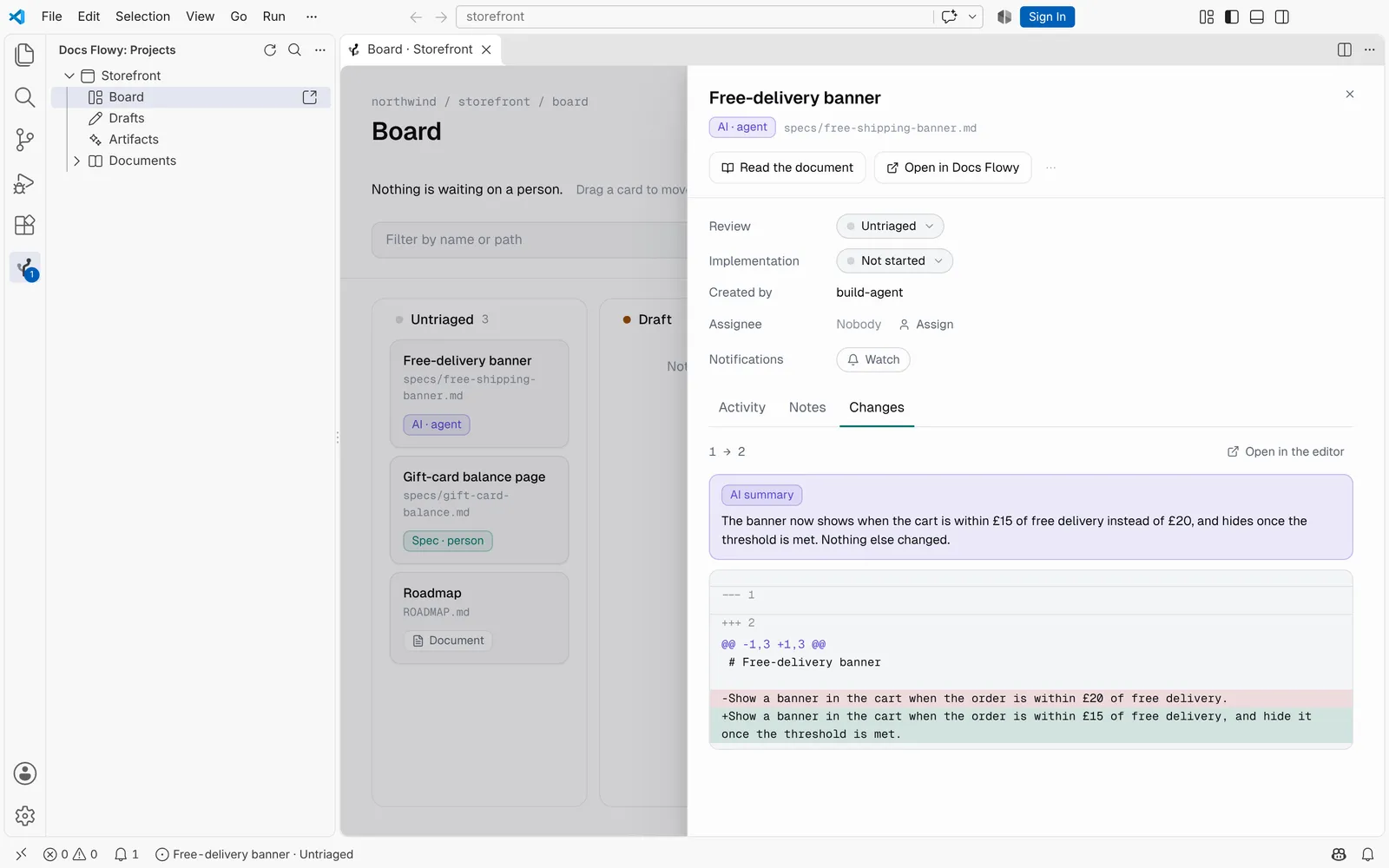
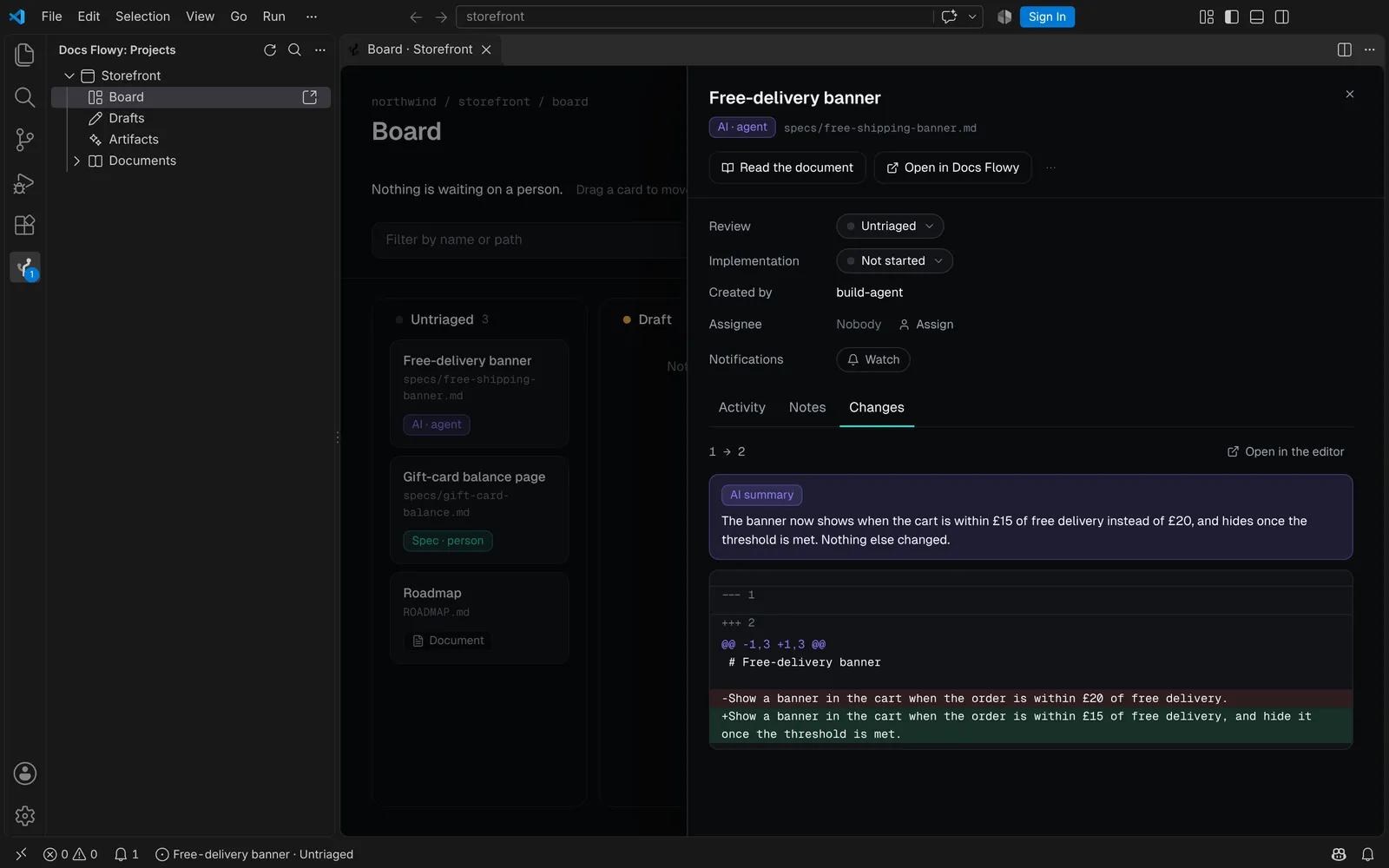
See what changed, and why it matters
A ticket's Changes tab pages through its versions and shows the lines that changed between two of them.
- Open the same diff in the editor's own diff view.
- Summarise this change writes a paragraph about it, for one credit.
- Approve the Handbook changes an agent sent with its claim, or review them on the web.
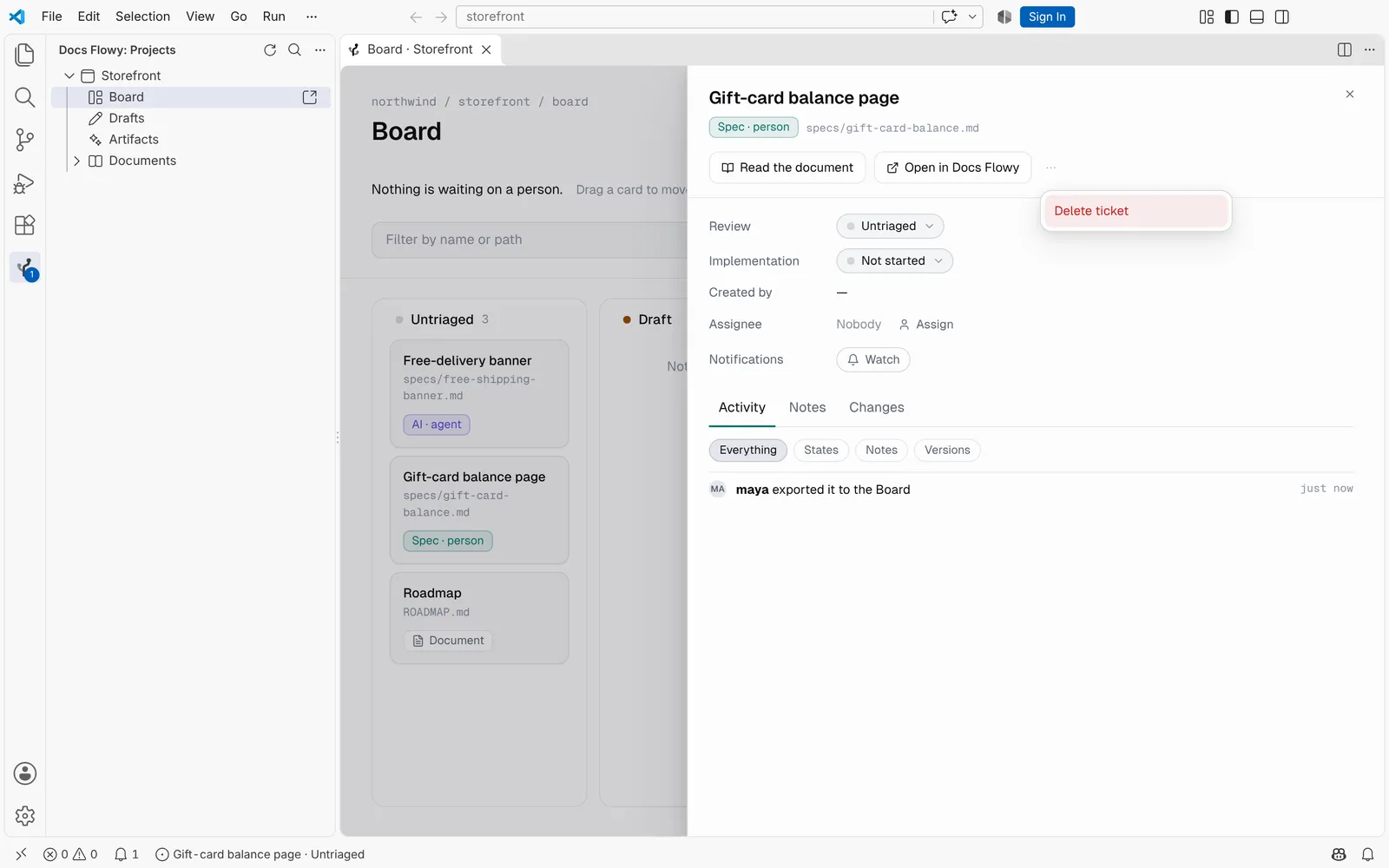
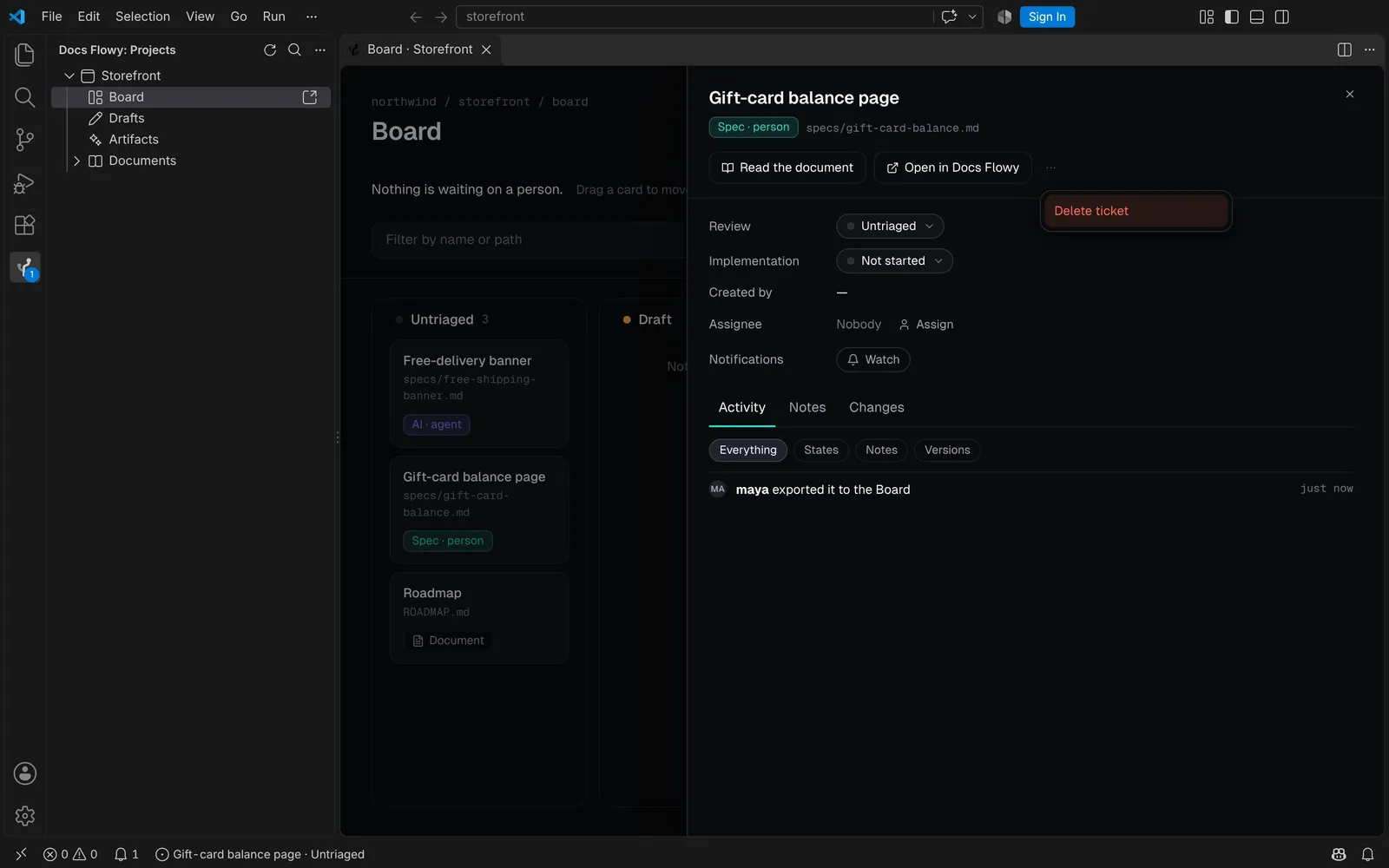
Delete a ticket you made, and take it back
A ticket's ⋯ menu deletes it where Docs Flowy says you may: it asks first, and the toast offers Undo.
- It waits in the project's Trash on the web for 30 days, with its notes and history.
- While an agent works on it, or a Handbook change from it waits, the menu says so instead.
- A repository file's ticket is taken off the Board rather than deleted: the next sync would bring it back.
Read specs where you code
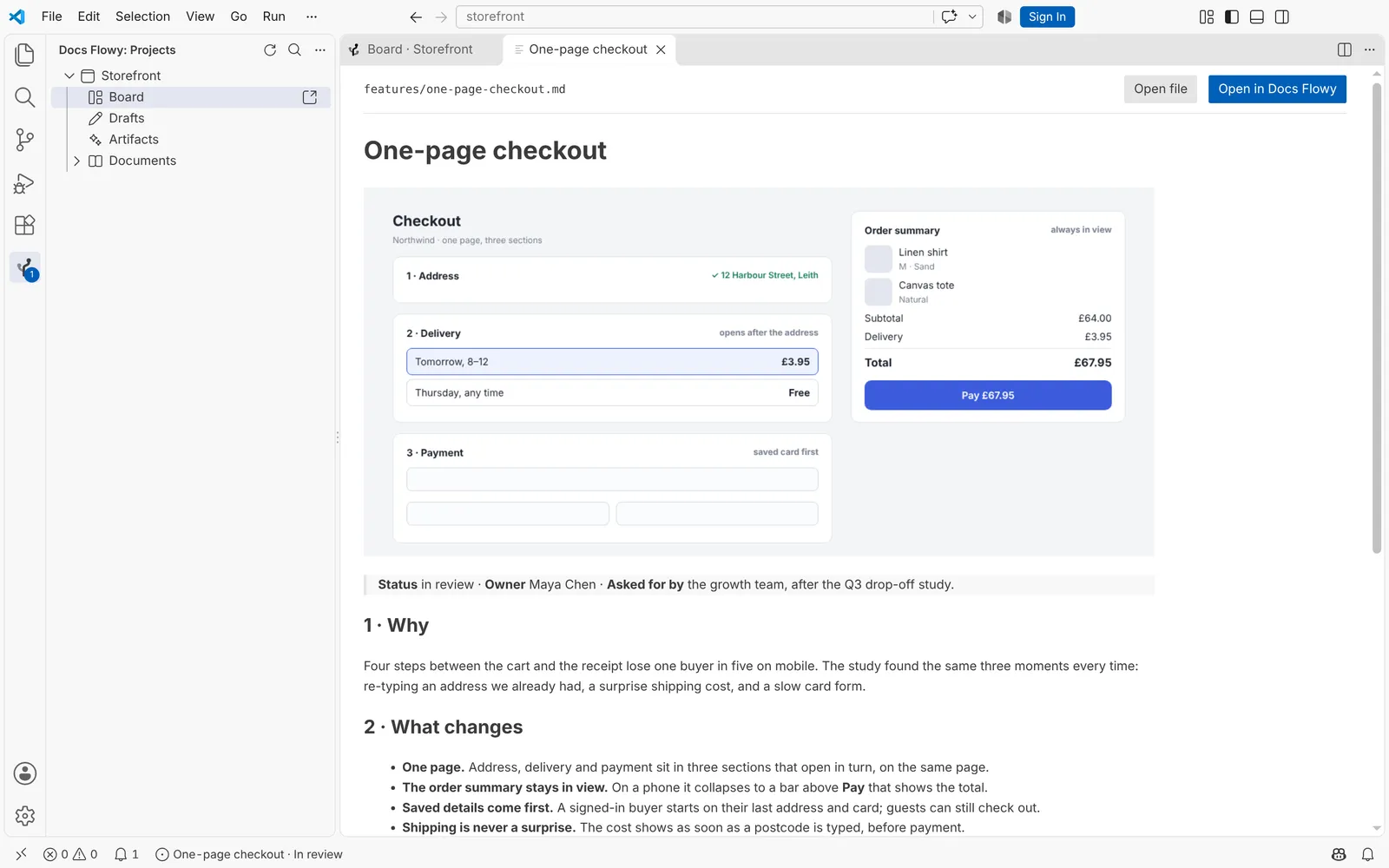
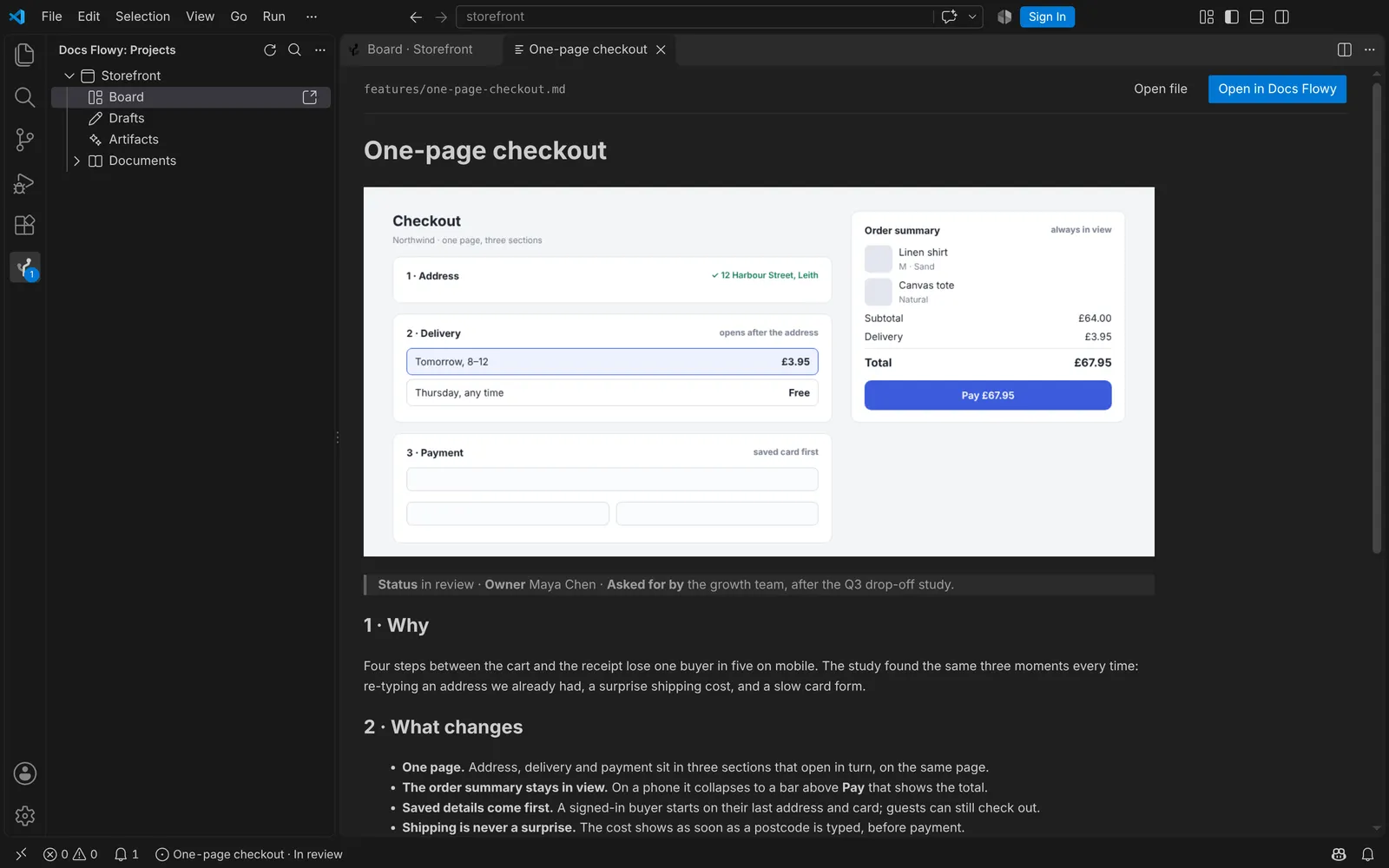
Any document, draft or artifact opens in the editor, with its images.
- A link to another spec opens that one too.
- Open in Docs Flowy takes you to the same card on the web.
- Nothing to sync: the Board moves when Docs Flowy changes, without a refresh.
What people and agents are writing
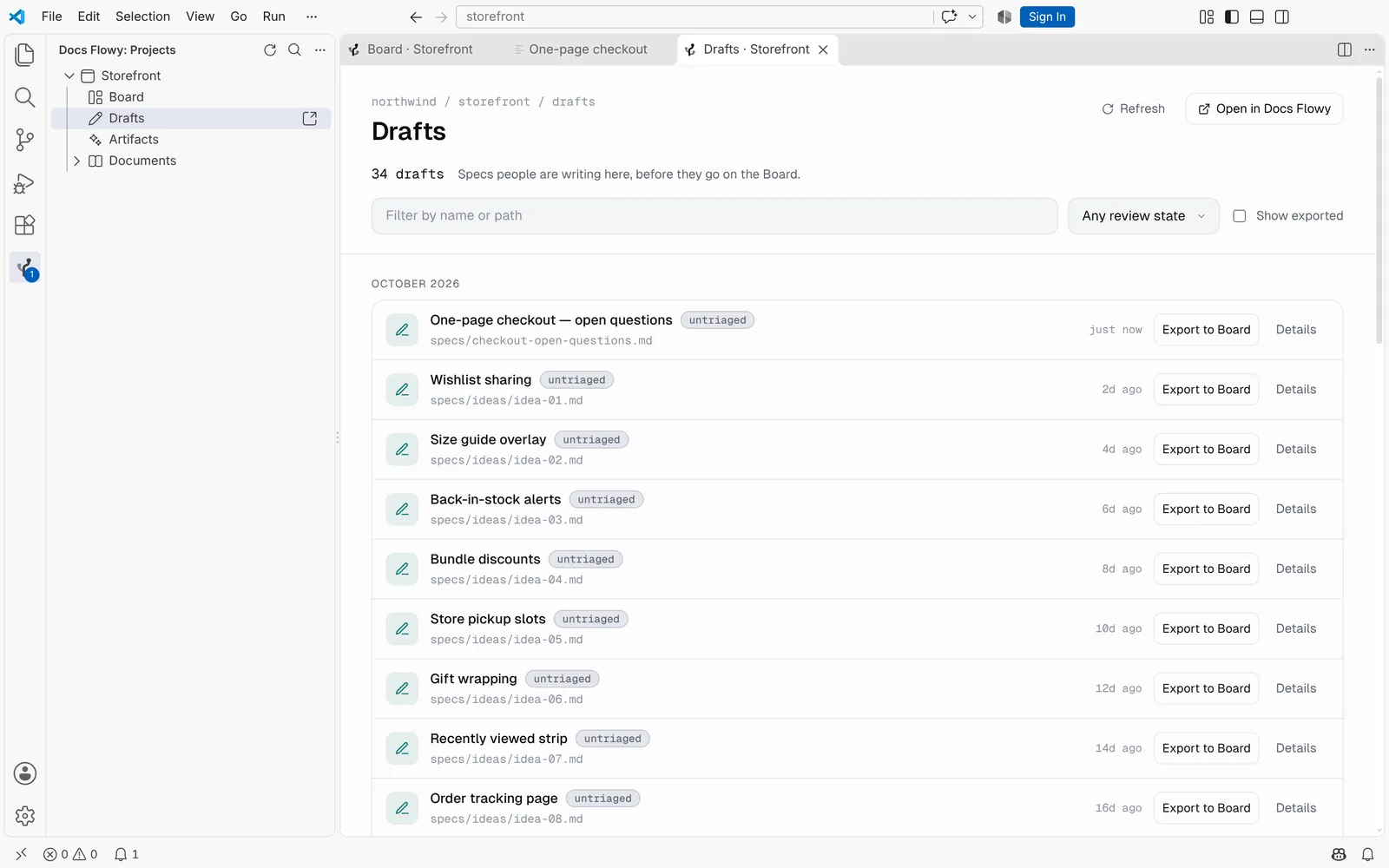
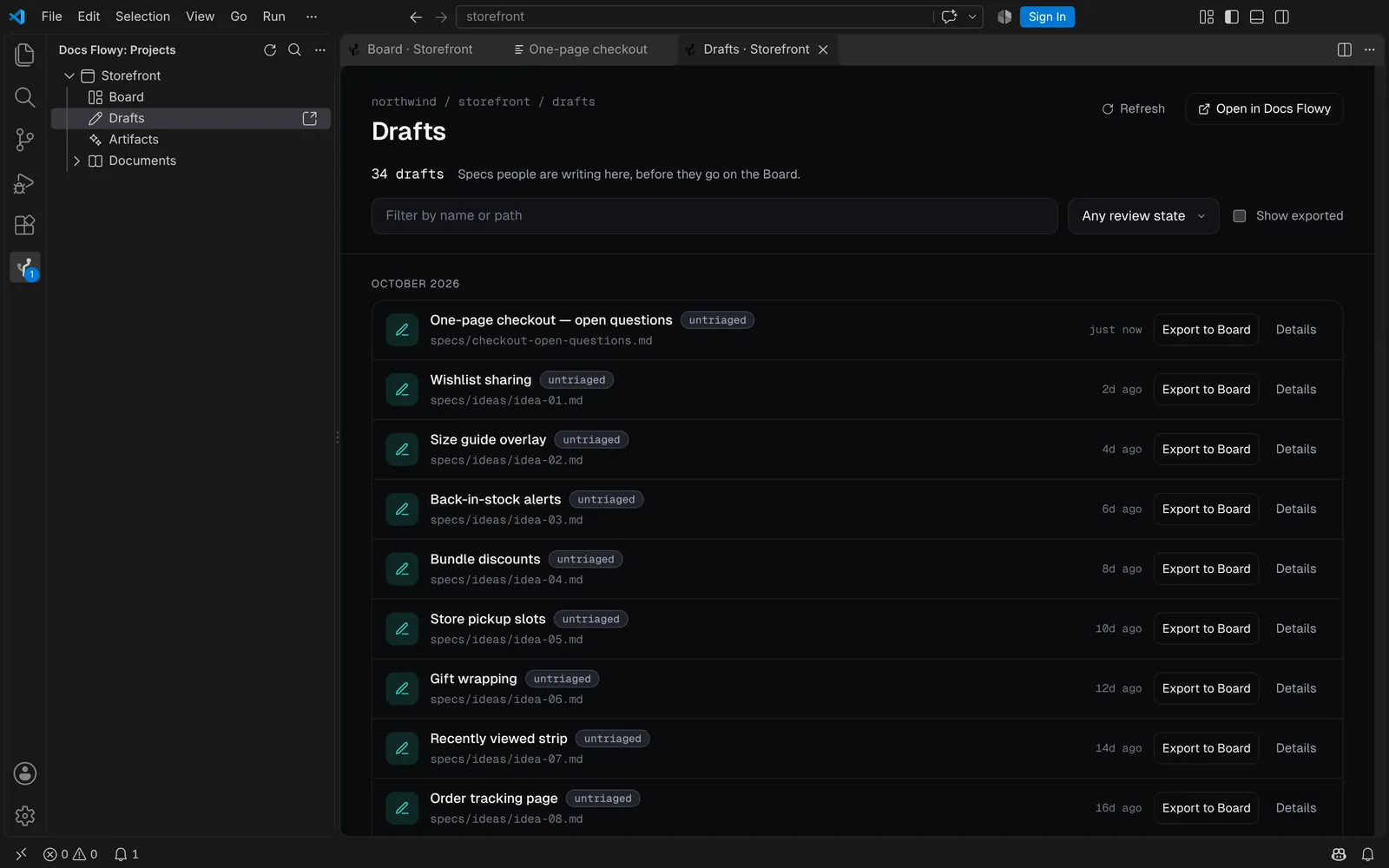
Drafts are the specs people are writing. Artifacts are what agents wrote.
- Grouped by month, filtered by name, state or author.
- More loads as you scroll.
- Export to Board puts a draft on the Board; Delete removes one, after asking.
Your agent reads the same specs
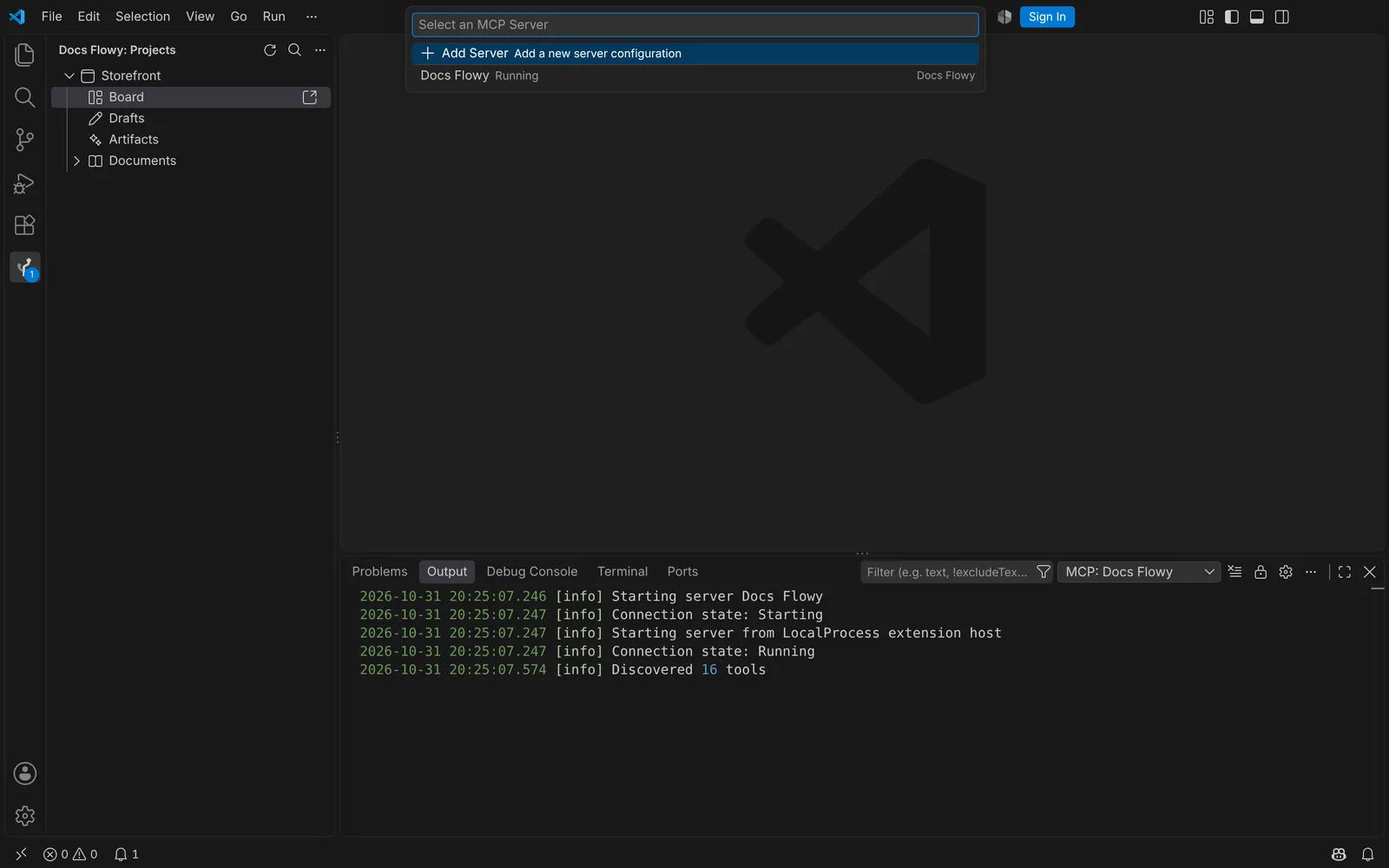
Connect your editor's agent once, with a project key. It reads specs over MCP: the validated ones, not a copy pasted into chat.
- VS Code adds Docs Flowy's MCP server itself, with no file to edit.
- Cursor adds it through its own extension API. Other editors get a configuration to copy.
- The agent uses the key, never your sign-in, and never sees your unexported drafts.
> Docs Flowy: Connect your agent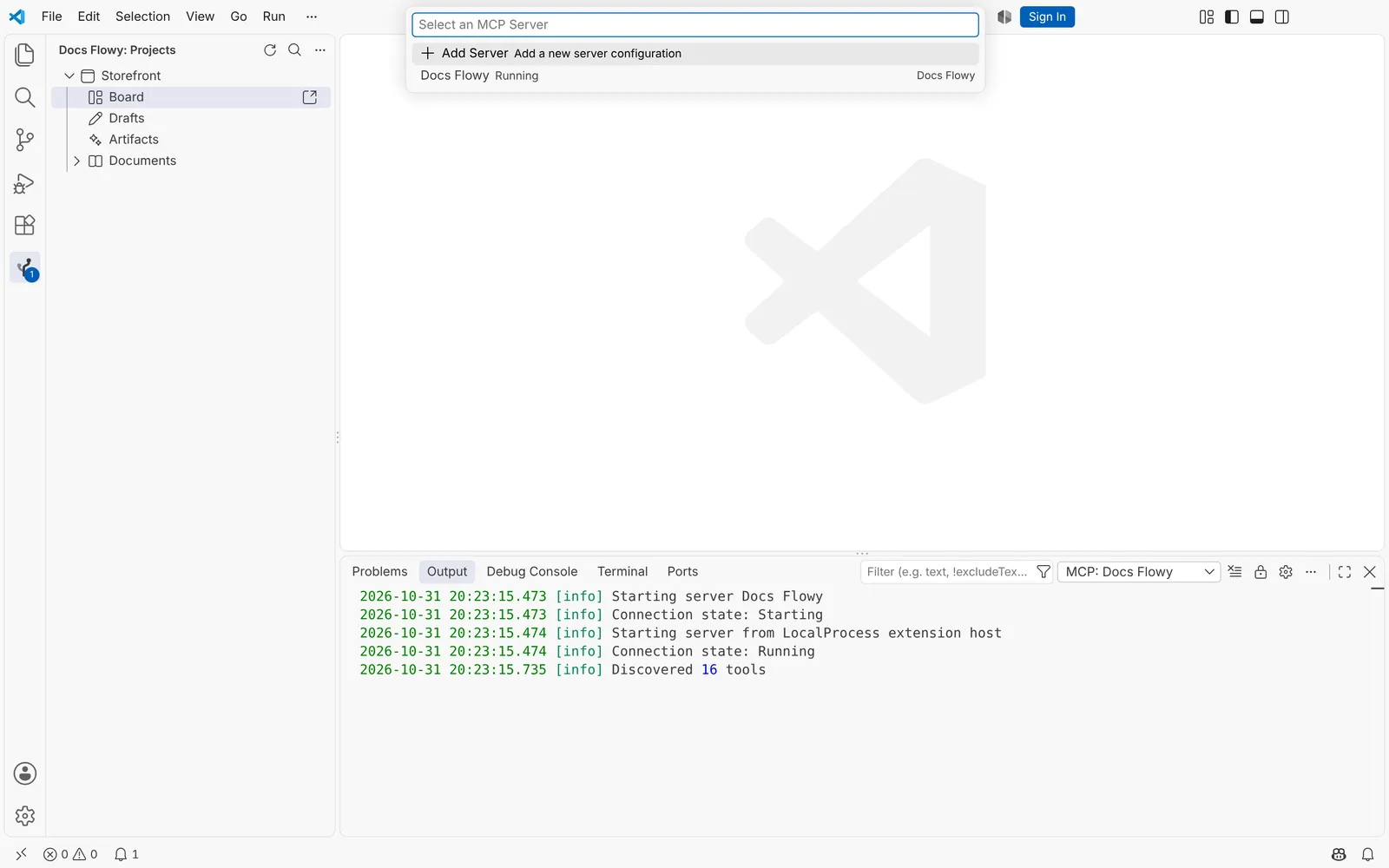
Four steps, about a minute
Getting Started opens by itself after you install, and walks you through each one.
- 1
Install
Install Docs Flowy from the Extensions view.
- 2
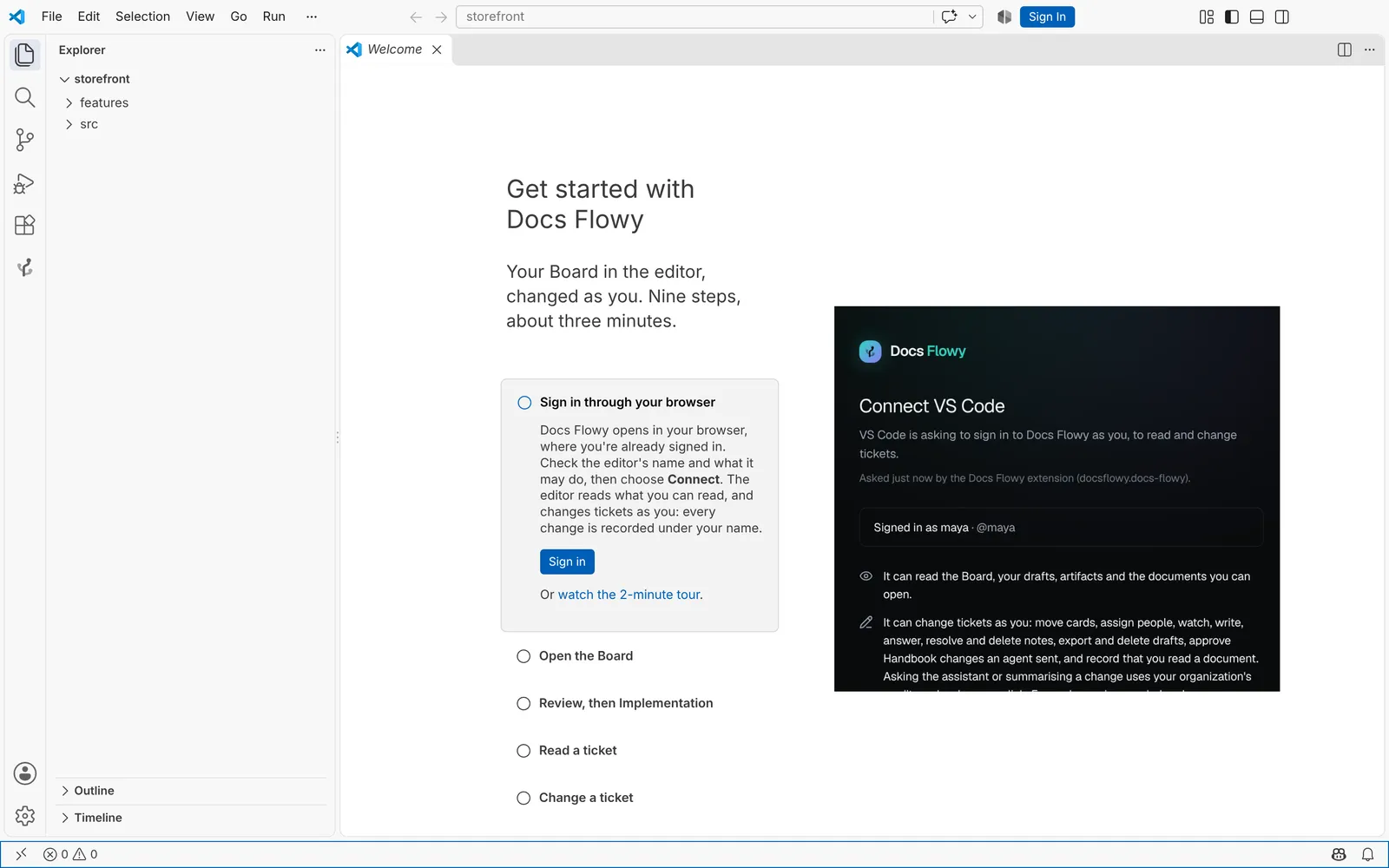
Sign in
Docs Flowy opens in your browser, where you are already signed in. Check the editor's name and choose Connect.
- 3
Open the Board
Each project in the sidebar lists Board, Drafts and Artifacts. Each one opens as a tab.
- 4
Connect your agent
Optional. Run Connect your agent and paste a project key.
Changes only with your say-so, and your sign-in stays yours
The editor reads what you can read in Docs Flowy. With your say-so at sign-in, it changes tickets as you — and nothing else.
Changes only with your say-so
The browser says what the editor may do before you choose Connect. It changes states, assignees, watching and notes under your name, with your permissions — never your account, keys or billing. Sign in to read only, and Docs Flowy refuses any change from it.
Your sign-in stays in the editor
It is kept in the editor's secret storage, sent only to Docs Flowy and never written to settings or logs. Sign it out any time from Account → Sessions.
The agent has its own key
The project key lives in secret storage too. The agent reads what the key's project allows, and never uses your sign-in.
What it does not do yet
- Writing specsSpecs are written and edited in Docs Flowy's spec editor. In the editor you read them, move them across the Board, export and discuss them; repository documents are edited as files and committed.
- vscode.dev and Codespaces in the browserSigning in needs a desktop editor. Remote windows over SSH, in containers or in WSL work: the extension runs on your machine.
- Other languagesThe extension's interface is in English. This page and Docs Flowy itself are translated.
Questions about the extension
Bring the Board into your editor
The extension is coming to the VS Code Marketplace. Start with Docs Flowy today, and your Board will be ready for it.
Start free